

Crochet & knitting · Free
Free crochet & knitting pattern maker
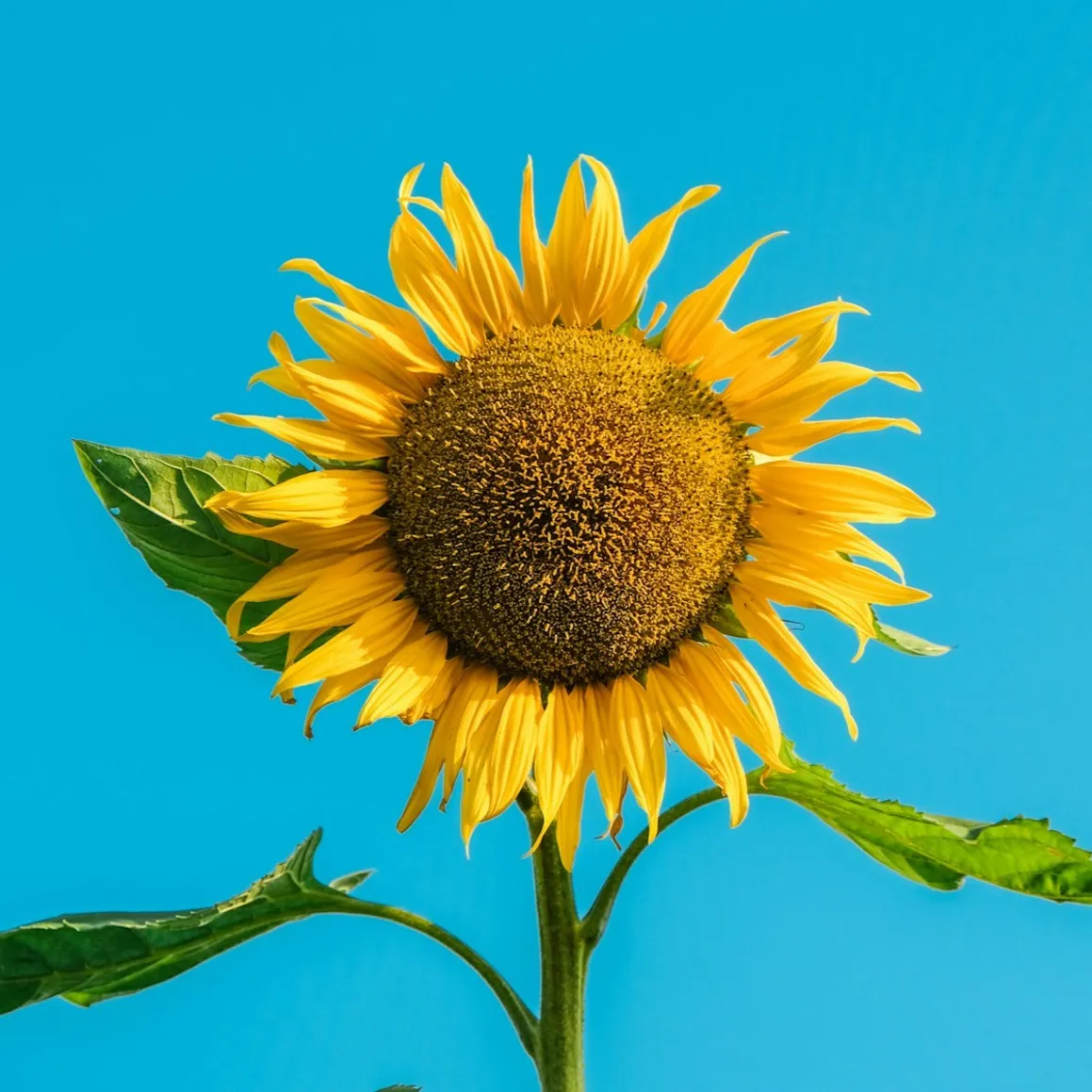
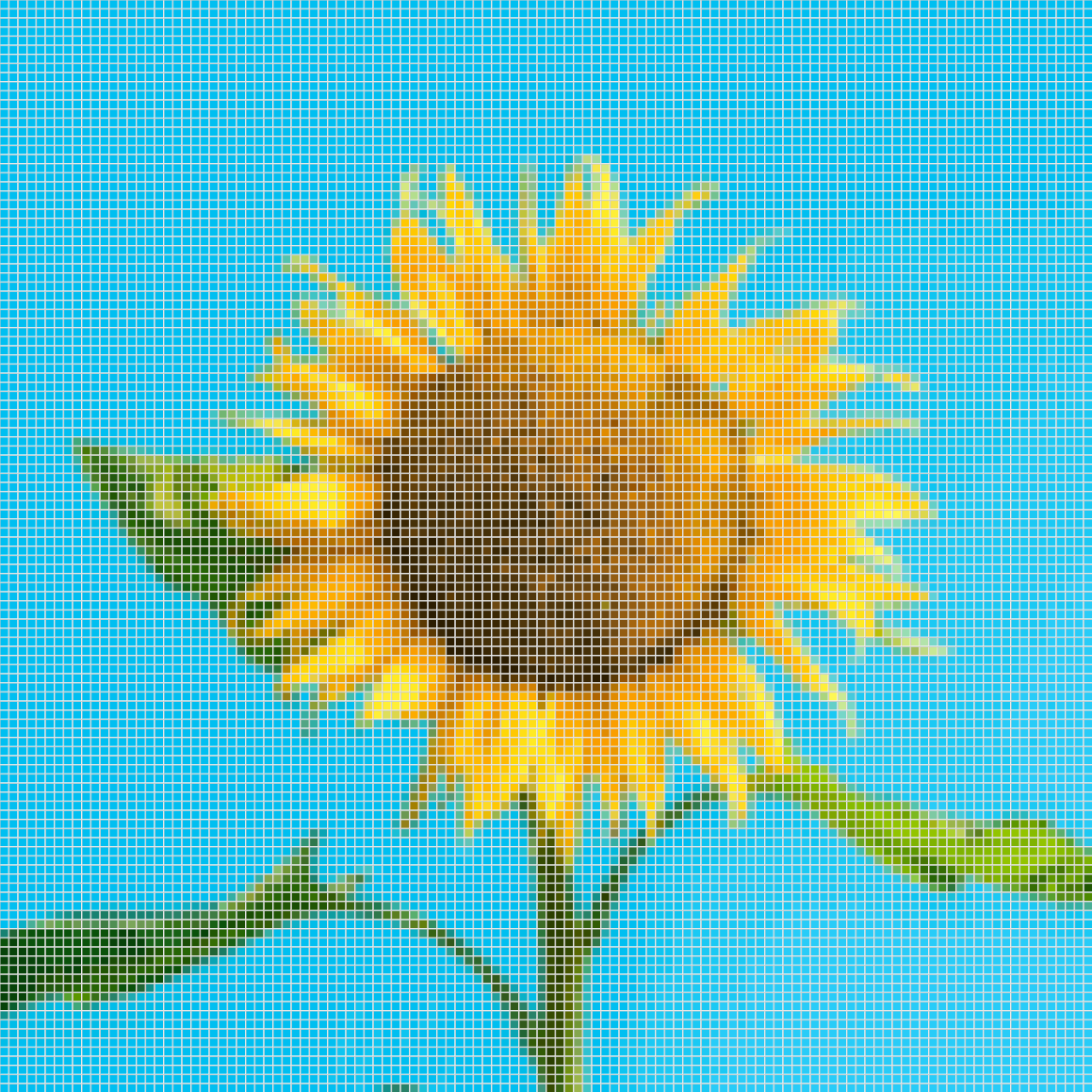
Turn a photo into a crochet or knitting chart, or design one square by square. StitchOwl writes the row-by-row instructions for you.
Photos convert on your device and are never uploaded.
Two crafts, one editor
Choose your craft
Crochet pattern maker
Tapestry, graphgan, filet and C2C charts with row-by-row written instructions.
- Colorwork
- Filet
- C2C
Knitting pattern & chart maker
Fair Isle, intarsia and lace charts, with every right-side and wrong-side row written out.
- Colorwork
- Lace
Start with a Template
See it in action
Watch the editor at work
Beyond the chart
Everything you need to finish the pattern
Written instructions
Every chart comes with row-by-row written instructions and a color legend with stitch counts.
Progress tracking
Mark each row as done while you work, and pick up right where you left off.
Gauge and finished size
Enter your gauge to see how big the finished piece will be before you start.
Exports with no watermark
Download your chart as a PDF, PNG, or SVG with a free account.
Yours to sell
Sell the charts, instructions, and exports you make with StitchOwl, including commercially.
Phone, tablet, or computer
The full editor runs in your browser on any device, including with Apple Pencil.
Questions
Questions about StitchOwl
What is StitchOwl?
A free pattern maker for crochet and knitting that runs in your browser. You draw a chart, or convert a photo into one, and StitchOwl writes the matching row-by-row instructions, tracks your progress and exports the finished chart.
Do I need an account?
No. You can start designing straight away. Signing up for a free account saves up to 5 charts across devices and unlocks PDF, PNG and SVG downloads; Pro saves up to 250.
Which crafts and styles can I chart?
Crochet colorwork, filet and corner-to-corner (C2C), plus knitting colorwork and lace with real knitting symbols. More crafts are on the way.
How does turning a photo into a chart work?
You upload and crop a picture, choose the size and number of colors, and StitchOwl converts it into an editable chart. The conversion happens on your device, so the photo is never uploaded.
Who owns the patterns I make?
You do. StitchOwl's Terms let you publish and sell the charts, instructions and files you create, including commercially.
Which devices does it work on?
Any modern browser on a computer, tablet or phone. The full editor works with a mouse, touch or Apple Pencil.
Simple Pricing
Free
$0 / year
Free forever. No credit card required.
- 5 saved charts
- Palettes up to 50 colors
- Every craft, style, and export option
ProFor Bigger Projects
$2.25 / month
Billed annually at $27 / yr (reference USD)
Stripe converts from USD to your local payment currency at checkout (a 2–4% exchange fee is included in Stripe's conversion rate).
- Everything in Free
- 250 saved charts
- Palettes up to 200 colors
- Cancel anytime
Subscriptions renew automatically each billing period until canceled. Taxes may be included in the displayed price or added at checkout, depending on your location.
What Should We Build Next? 🤔
Help us prioritize features by telling us what matters most to you. Or just give us feedback in general :)